Releases
March 16, 2026
·
1
min read

instant3Dhub 3.4 Released

The first of 3 releases in our schedule for 2022 focuses on consolidation and establishing a foundation for the realignment of our XR roadmap, targeting the mid-term harmonization of different XR clients (e.g. HoloLens, PC) with a technology stack based on open API standards like OpenXR and WebXR. Increasing availability as well as reduced performance penalties render these APIs as a great foundation to support even more devices & devices classes with a consistent feature set and XR roadmap.

Be part of the journey: XR Roadmap Consolidation

The first of 3 releases in our schedule for 2022 focuses on consolidation and establishing a foundation for the realignment of our XR roadmap, targeting the mid-term harmonization of different XR clients (e.g. HoloLens, PC) with a technology stack based on open API standards like OpenXR and WebXR. Increasing availability as well as reduced performance penalties render these APIs as a great foundation to support even more devices & device classes with a consistent feature set and XR roadmap.

Therefore, we consolidated our current VR App as basis for a growing number of features (e.g., DMU, Collaboration) as part of our next releases.

Try it out and get in touch with us if you like to be part of the journey!

New Feature and Updates

  • Consolidated & realigned VR App
  • Support for non-cookie based authentication
  • Initial native CAD loader for Microstation DGN V7/V8
  • Improved GLTF support
  • Improved Kubernetes performance and observability
  • Improved URL rewrite rules
  • Improved authorization caching
  • Improved 3D Streaming performance and robustness
Share this article:

Read our latest blogs

View all blog
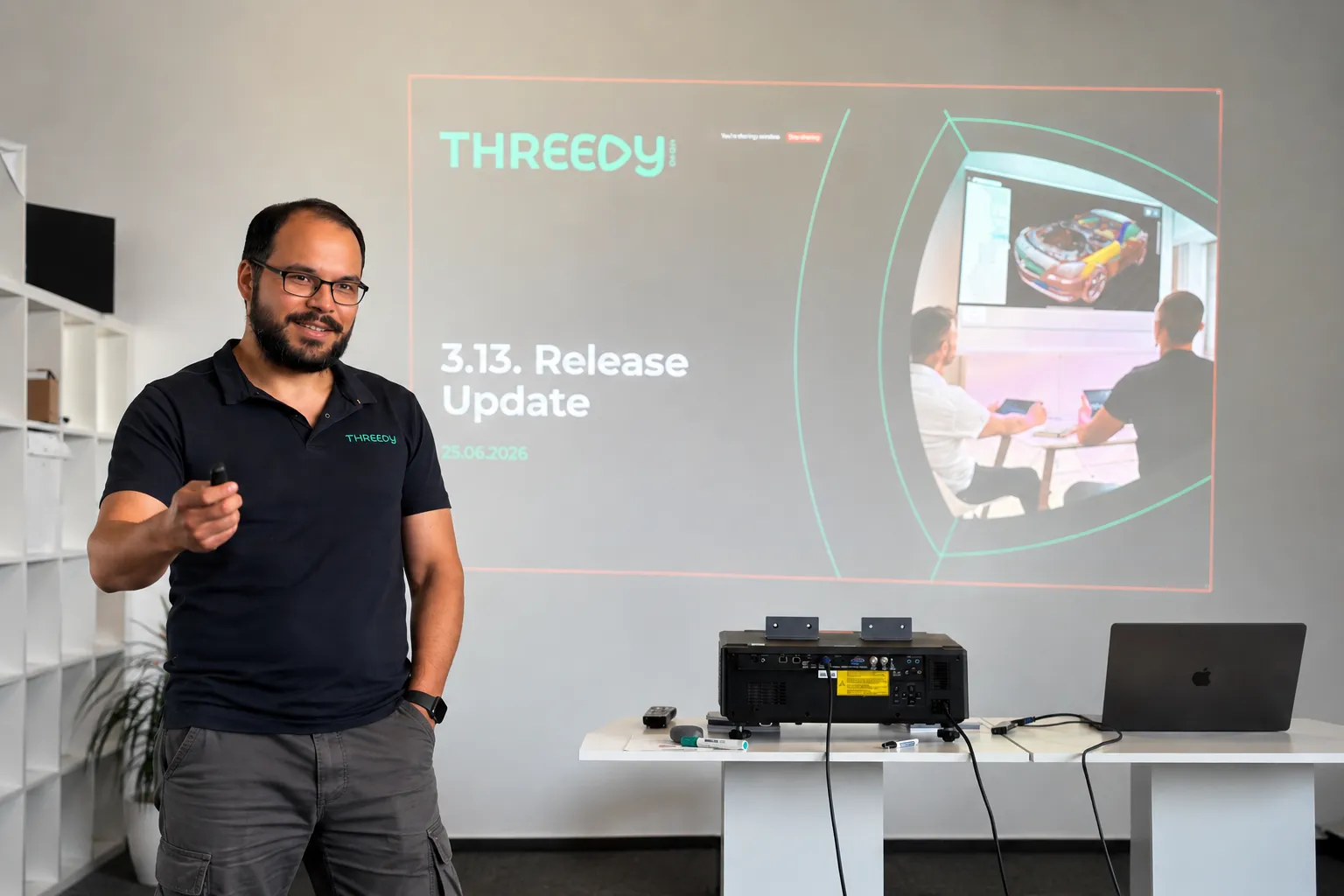
What's New in instant3Dhub 3.13: The AI Edition

Every AI conversation right now eventually lands on the same question: what does this actually change about how people work? For 3D data, 3.13 is our first answer.

The headline feature is the MCP server. It's experimental, it's built into every deployment, and it's the first time an AI assistant can talk directly to a 3DSpace - not to a description of the data, but to the 3D data itself.

Here's what that means in practice, and what else changed in this release.

AI assistants that work with your CAD data

The MCP server ships with every instant3Dhub 3.13 deployment. No separate setup. You connect with an MCP-compatible AI assistant - Claude, Cursor, VS Code Copilot, others - point it at a 3DSpace, and it can start working with your 3D data.

What it can do once connected:

  • Query and navigate the product structure
  • Read and write node properties - visibility, color, metadata
  • Transform nodes: position, rotation, scale
  • Create, update, and remove annotations
  • Define and modify clip planes
  • Take measurements: distances, volumes, surface areas

That means prompts like "find all parts where the material is set to aluminum" or "hide everything except the engine subassembly" work as you'd expect. The assistant isn't approximating based on a text description. It's querying the actual scene.

One thing worth being explicit about: MCP tool results - node names, metadata, measurements, scene structure - are sent to the LLM as part of the conversation. The LLM provider never connects to your network, and 3D mesh geometry is not transmitted. If your models contain classified metadata, check with your security team before connecting an external AI assistant.

We're shipping this as experimental. That means it's ready to build on, but it can change quickly and we want your feedback on it.

In 3.13, we've reworked the Query API to support runtime state and nested logic. This is the infrastructure the MCP server sits on — and it also matters directly for developers building on top of instant3Dhub. Less friction, faster results, fewer edge cases.

The 3DSpace as a more manageable

The 3DSpace is where teams work together on 3D data - synchronously and asynchronously, without passing files. 3.13 makes it easier to link, share, and operate:

  • Custom space IDs - open a space with a user-defined identifier instead of an auto-generated one
  • Define when a 3DSpace gets fully deleted with retention policy via values.yaml
  • Multi-user apps with MemberAPI integrated, legacy XRMembers removed
  • SessionAPI removed - fully migrated to SpaceAPI; if you're on an older integration, now is the time to update

Other things worth knowing about:

Performance: Lower cloud costs and faster performance. GPU memory usage is down and rendering budgets are more predictable, so you get more out of less hardware. The experimental CPU-based culling can take load off the GPU entirely, cutting the need for expensive GPU instances. Large models render faster, and the GUI freezes some of you hit on heavy assemblies are fixed.

Orientation: Easier orientation in complex scenes. The navigation cube is now HTML-based and shows coordinate axes, so it's quicker to stay oriented when you're navigating large, deeply nested assemblies.

Authorization: Less setup in nested structures. Parent-based authorization is now an option alongside authorizing each node individually. Let children inherit authorization from their parent and you skip a separate auth request for every node. Fewer requests and less overhead, especially in deep hierarchies.

Interoperability: More of your Teamcenter data comes through cleanly. Better handling of JT content (including threaded features) plus basic support for PLM XML and JT assemblies exported from Teamcenter.

Usability: Measurement and search, faster to use. Measurement mode is now one click from the toolbar. In double measurement, your first target stays highlighted so you don't lose your place. And the search bar gets select-all and clear, handy when you're working through long result lists.

Operations: Simpler ops and deployment. Helm upgrades now restart affected services automatically, external database setups no longer need Ansible, and serial keys can be managed through Kubernetes secrets. Less manual work to deploy and maintain.

Security: We fixed XSS vulnerabilities in the Print Manager, annotations, and webvisUI notify functions.


July 1, 2026
·
4
min read
Beyond CAD: Where AI for 3D Data Gets Interesting

AI for 3D data is coming to industrial workflows

This is about AI agents that can work with 3D data to handle tasks that humans currently do. Not tools that help you design faster, but agents that take on whole work steps: reviewing, interpreting, communicating, reporting. The same shift we've seen in text-based knowledge work like legal, now entering spatial data.

This matters because 3D data in industrial companies isn't just sitting in CAD tools. It moves. It goes from design to manufacturing. It goes from engineering to sales. It goes from development to the customer and back. At every handoff, someone has to translate that 3D data into something another person or team can act on. That translation work is manual, expert, and time-consuming. That's the target.

June 4, 2026
·
6
min read
Cross-Company 3D Collaboration Gets a Standard

The Catena-X Geometry Kit

The Catena-X Geometry Kit is a standard for cross-company 3D geometry exchange, now part of Tractus-X. It defines how to describe, publish, and consume 3D geometry across company boundaries building on the Catena-X architecture and advantages.

Building on Catena-X, the Geometry Kit enables sharing of 3D geometry data in a dataspace between companies: a setup where multiple organizations share data in a controlled, decentralized, and interoperable way, without giving up ownership of it. The Eclipse Dataspace Connector (EDC) is the standardized interface each participant uses to communicate across that space. Geometry is published with a policy attached, scoped to a specific project and partner, with an expiry date. That policy is enforced technically, not just agreed contractually. And because it's a shared standard, there's no bilateral integration to build per partner and others can join the dataspace with low effort.

How It Works in Practice

A supplier publishes integration-relevant geometry through their Digital Twin Registry. The OEM accesses it through their own application interfaced via the EDC. When there's an update, the partner accesses the new version through the same channel. No stale copies sitting on their side to track down. When the project closes, the supplier revokes the policy and access ends automatically.

Use Case Overview as presented on Prostep IVIP 2026

This also handles heterogeneous PLM and CAD tooling without custom integration per project. Standardized interfaces do that work once, at the infrastructure level. If a third organization needs to join mid-project, they connect to the network without requiring changes from anyone already in it.

One thing worth being upfront about: your tooling vendor needs to implement the EDC interfaces. The standard only works if the tools in the room support it.

Where instant3Dhub Fits

instant3Dhub implements the Geometry Kit on the consumer side. Geometry published via Catena-X streams directly into instant3Dhub for review, clash detection, DMU checks, and collaborative sessions across organizations, without export or conversion.

We demonstrated this end to end at the prostep ivip Symposium with Schaeffler. Try the demo in the browser. If your organization is evaluating adoption, book a call or reach out at product@threedy.io.

Hannes Krug, Senior Product Manager & AI-Lead at Threedy GmbH

April 8, 2026
·
2
min read